MatchHub help · Getting started
Your account and notifications
Select your name at the bottom of the menu, then select Settings. The page has three tabs: Profile, Notifications and Sign-in.
Profile
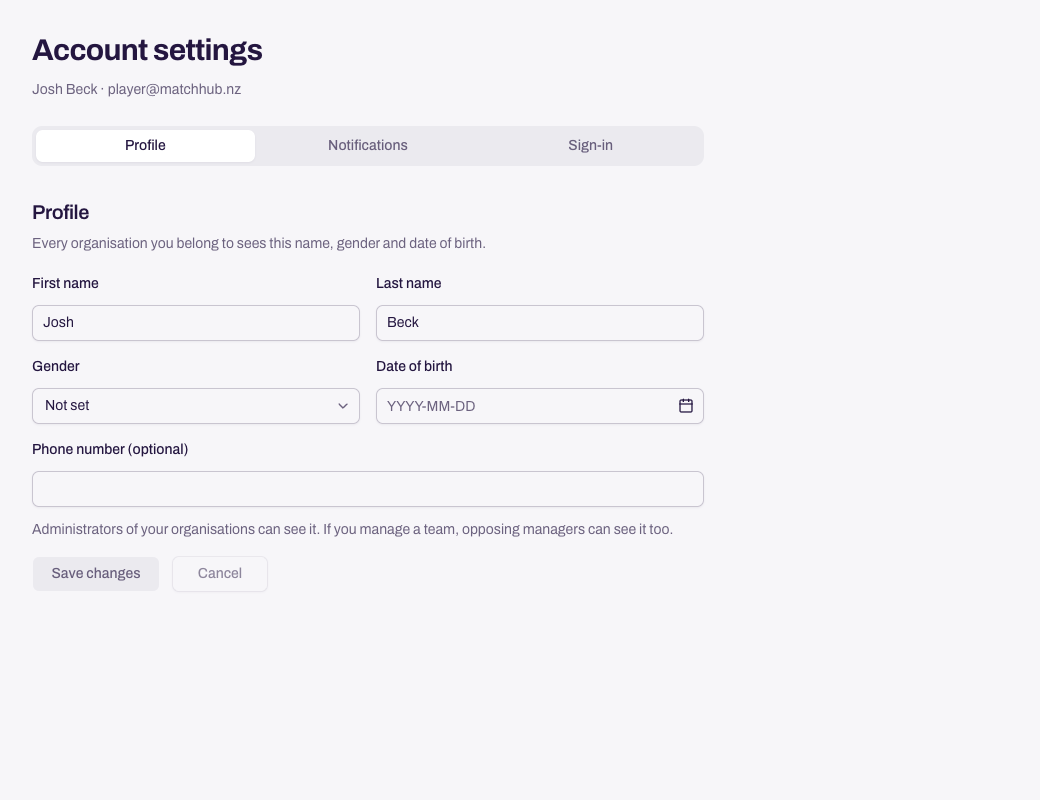
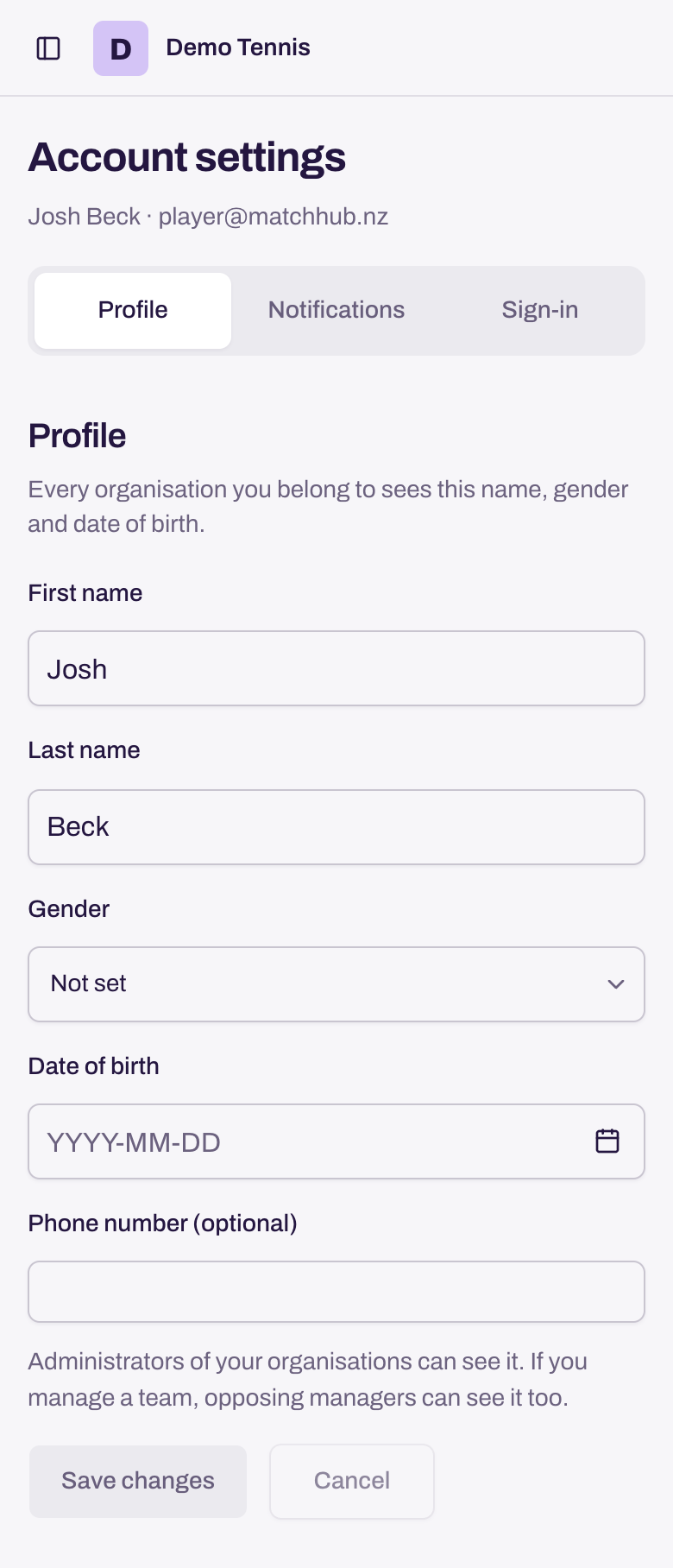
- Profile: your name, gender, date of birth and phone number. Select Save changes to save them together, or Cancel to return to the saved values.
- Phone number: the administrators of your organisations can see it. If you manage a team, the other team's manager can call you on match day. If your organisation requires a number, you cannot remove it while you manage the team. A platform administrator can clear it for you.
Notifications
Choose which emails you get, then select Save changes. Select Cancel to discard edits. The App column is for the mobile app. You can change it once you sign in to the app on your phone.
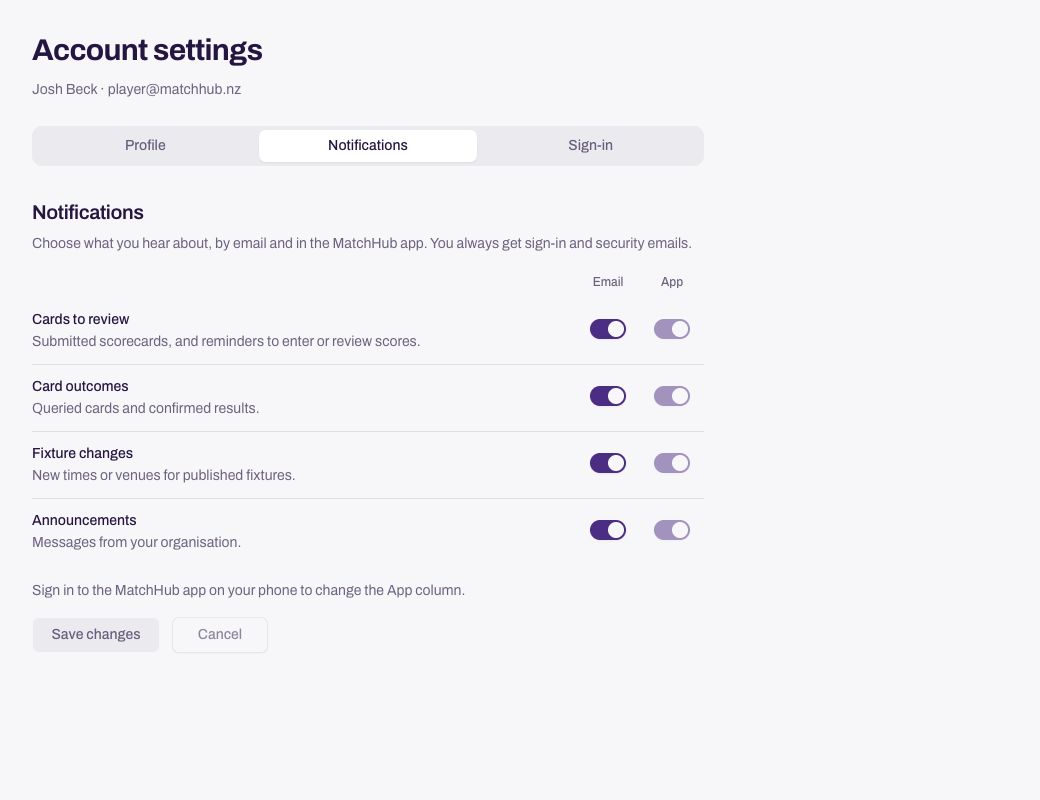
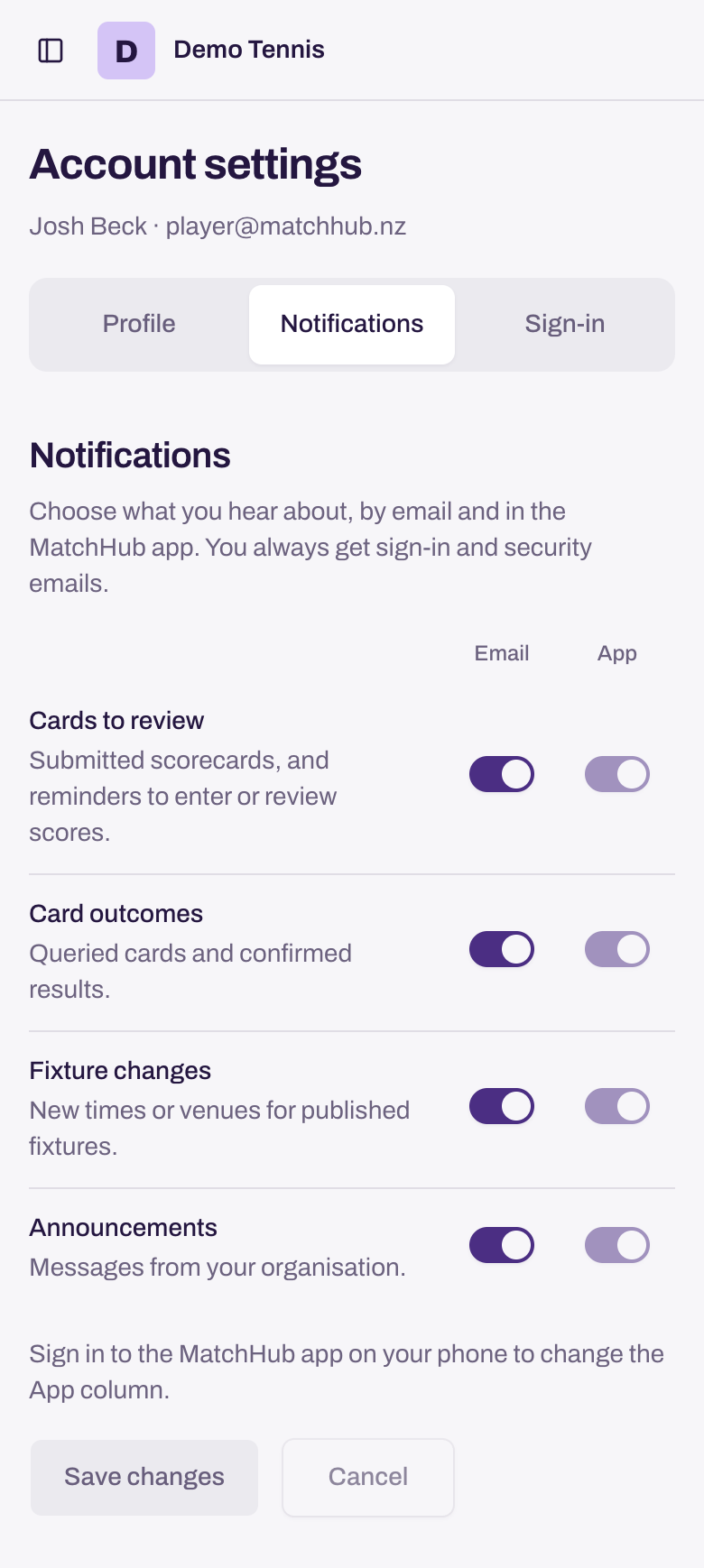
If a save fails, the choices stay on screen. Select Retry to finish saving.
Sign-in
- Email address: type the new address, then confirm it from the email that MatchHub sends.
- Password: change the password you use to sign in.
- Passkeys: add or remove a passkey for your fingerprint, face or screen lock.
- Delete account: remove your sign-in account from MatchHub.
One account can belong to more than one organisation. To change organisation, select its name at the top of the menu.
Need more help? Email hello@matchhub.nz