MatchHub help · Players and followers
Find a draw, a ladder or a team
You do not need an account to read a public organisation's draw, ladder or results. For a private organisation, sign in with an account that belongs to it. Private organisations do not appear in public searches.
Find your organisation
On the MatchHub home page, type your club or association in Club or association and select Search.
Read the draw
Select the competition, then your division. The Round draw shows one round. Use the arrows to change round. The round controls stay visible while the fixtures load. If a round cannot load, select Retry.
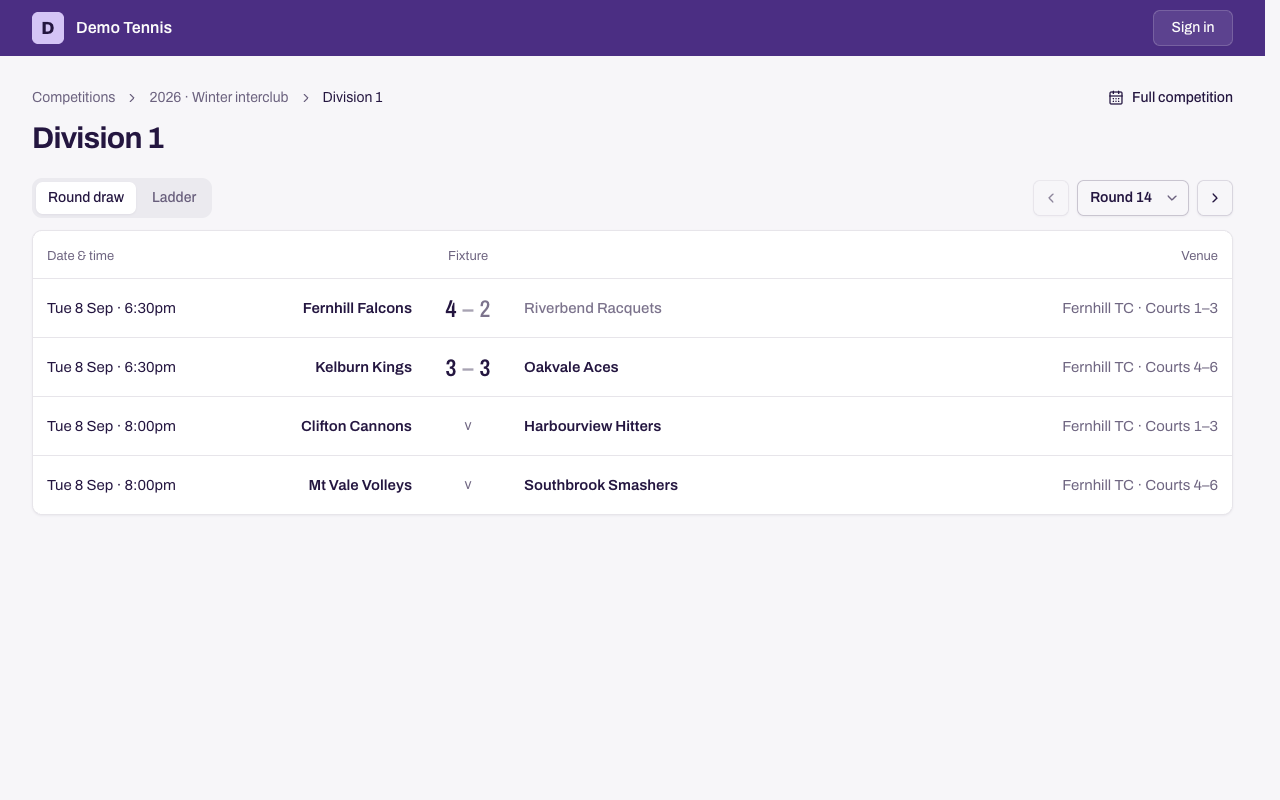
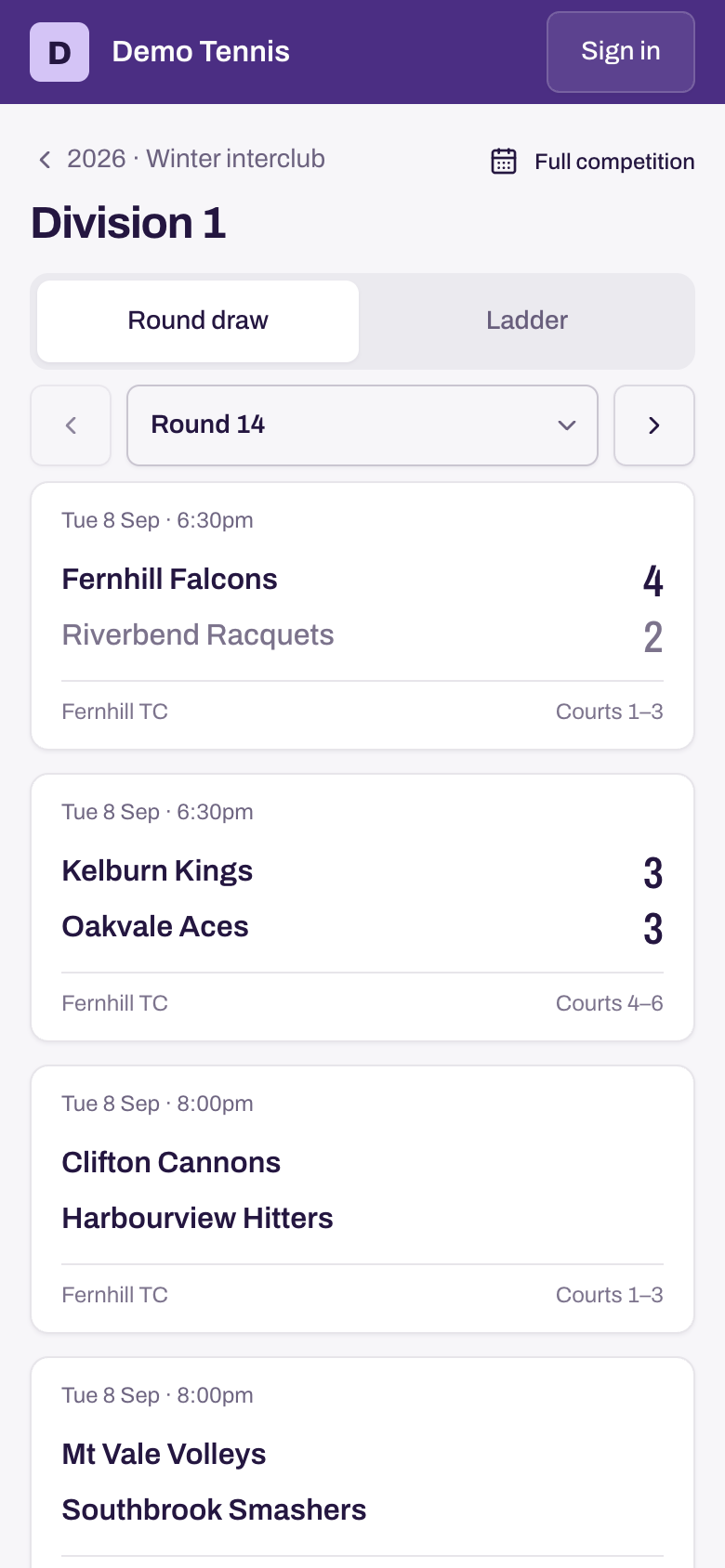
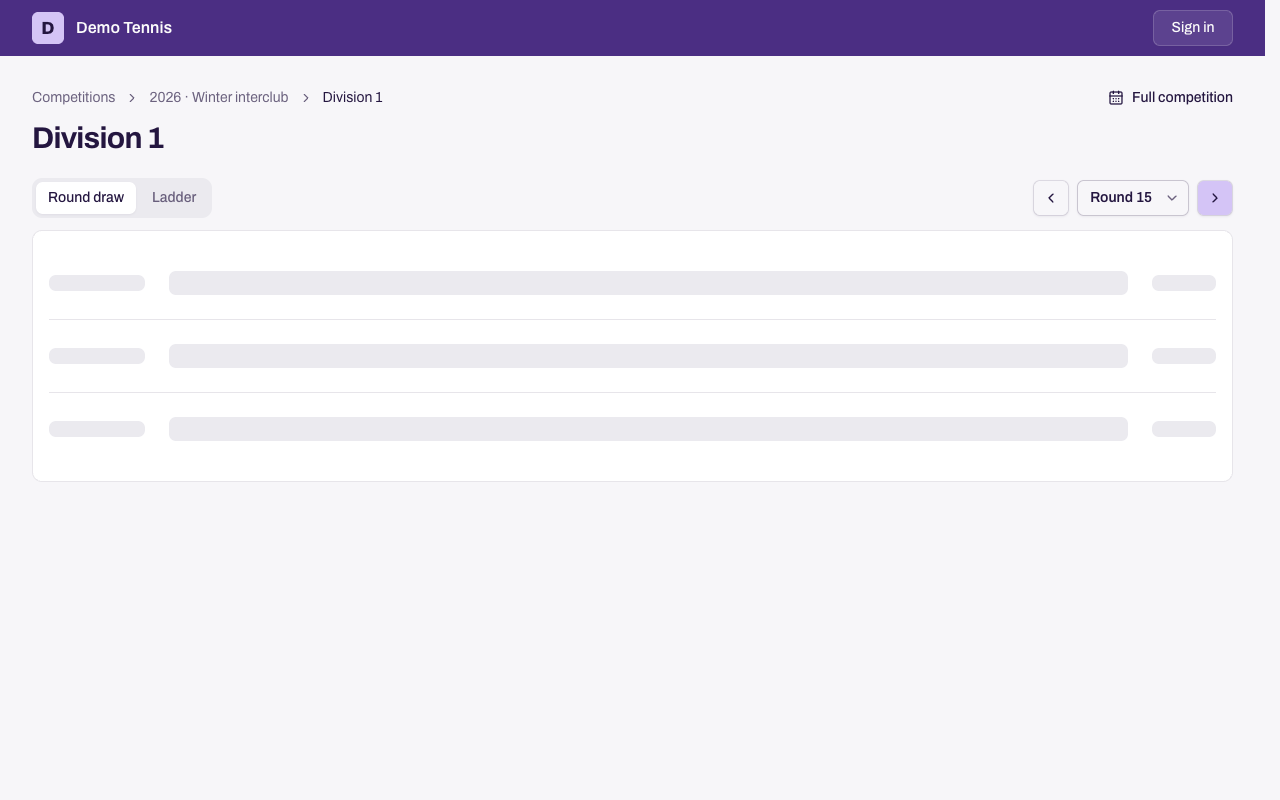
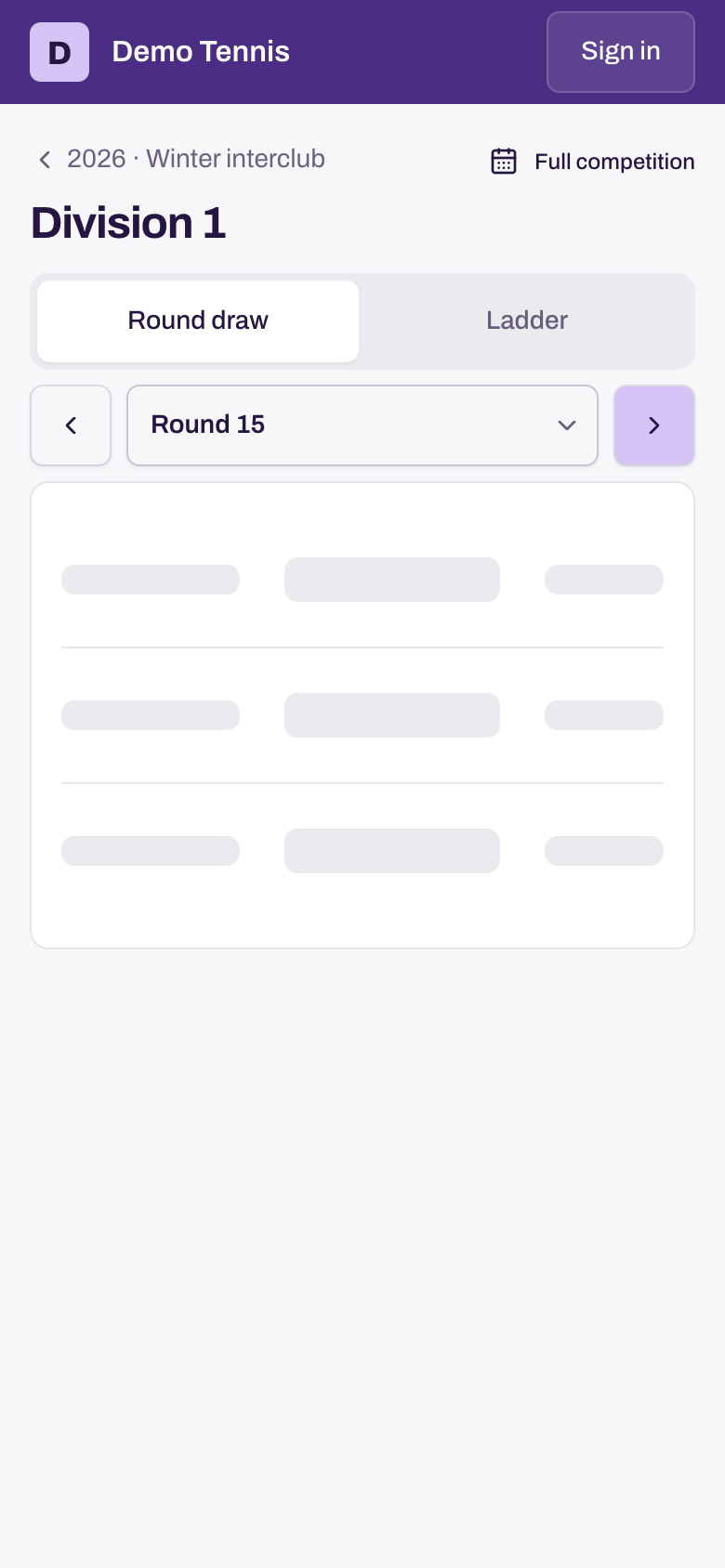
Select a stage, such as Play-offs, to read its published fixtures.
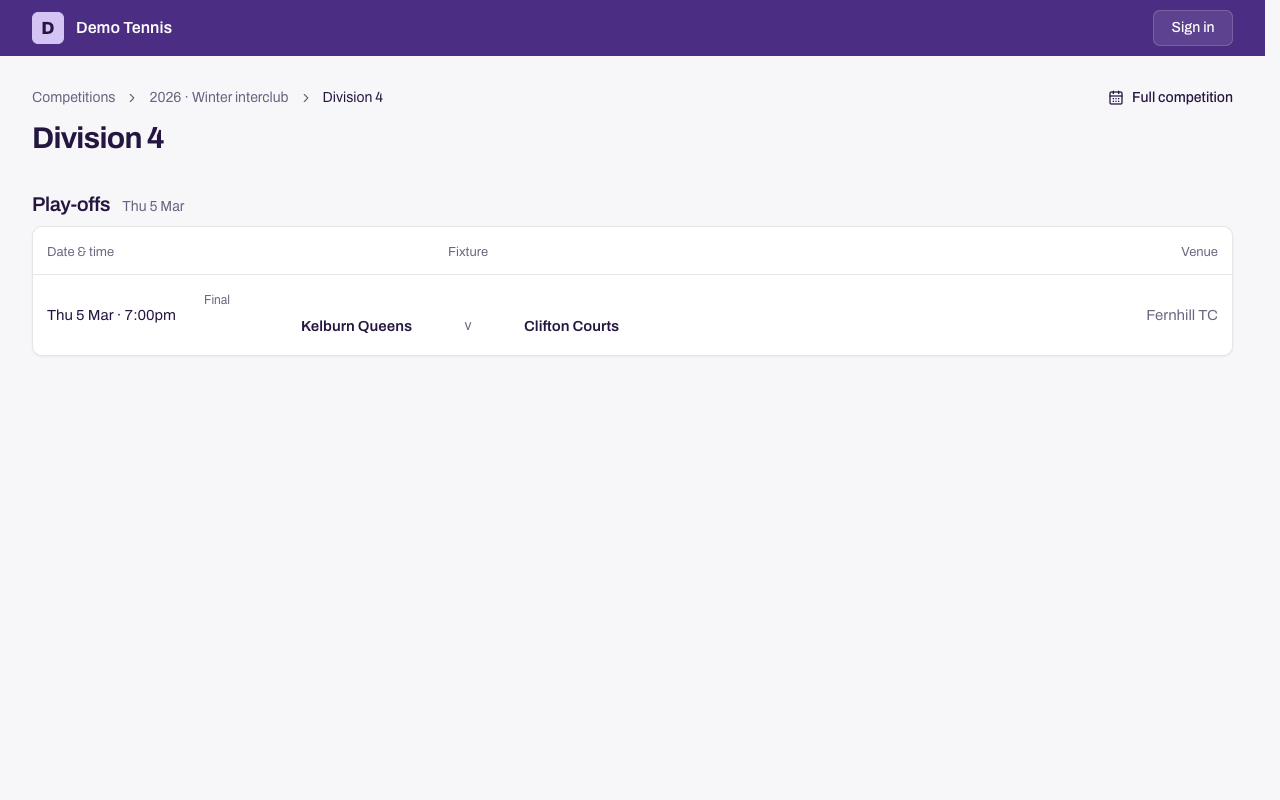
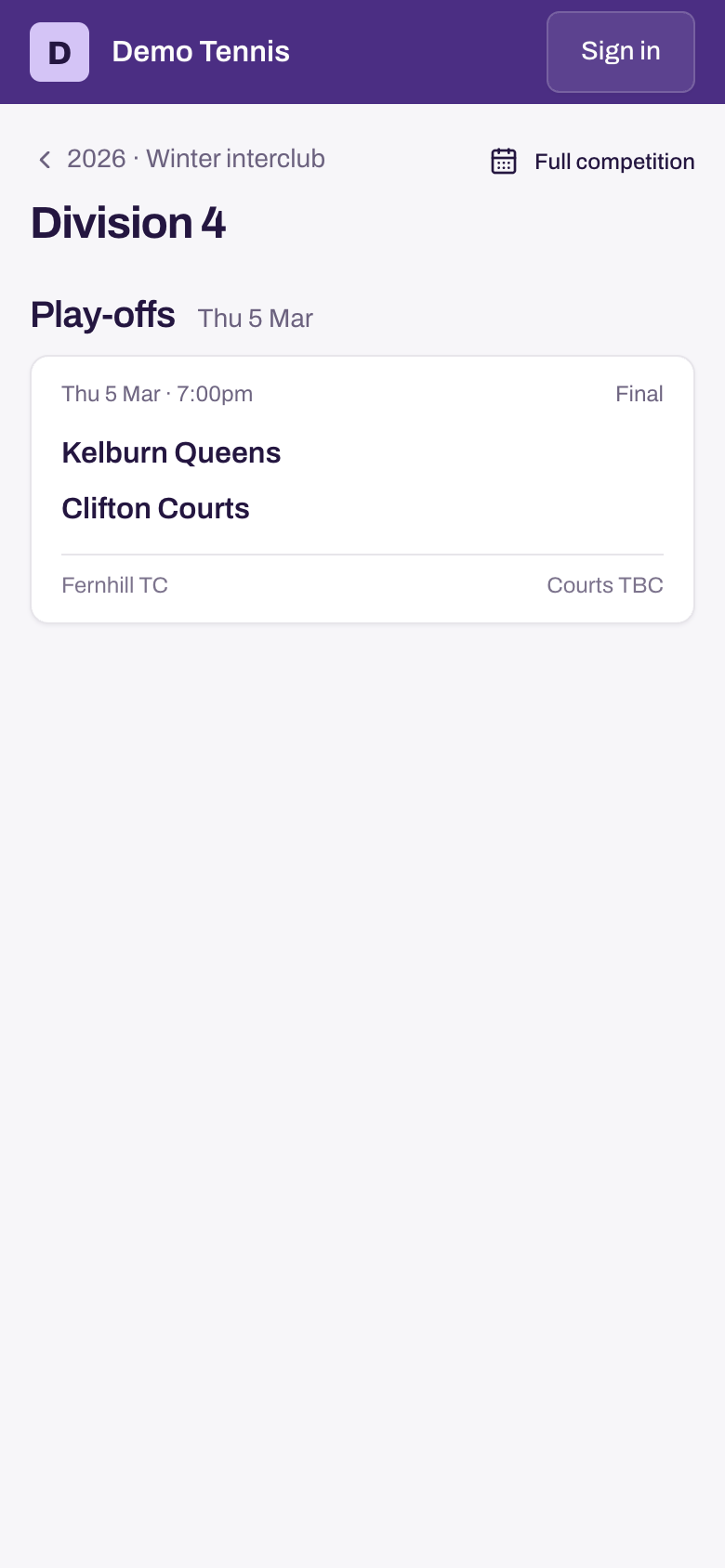
A score shows when the scorecard is approved. Select a fixture to see every match.
Read a result
- Select a fixture in Round draw.
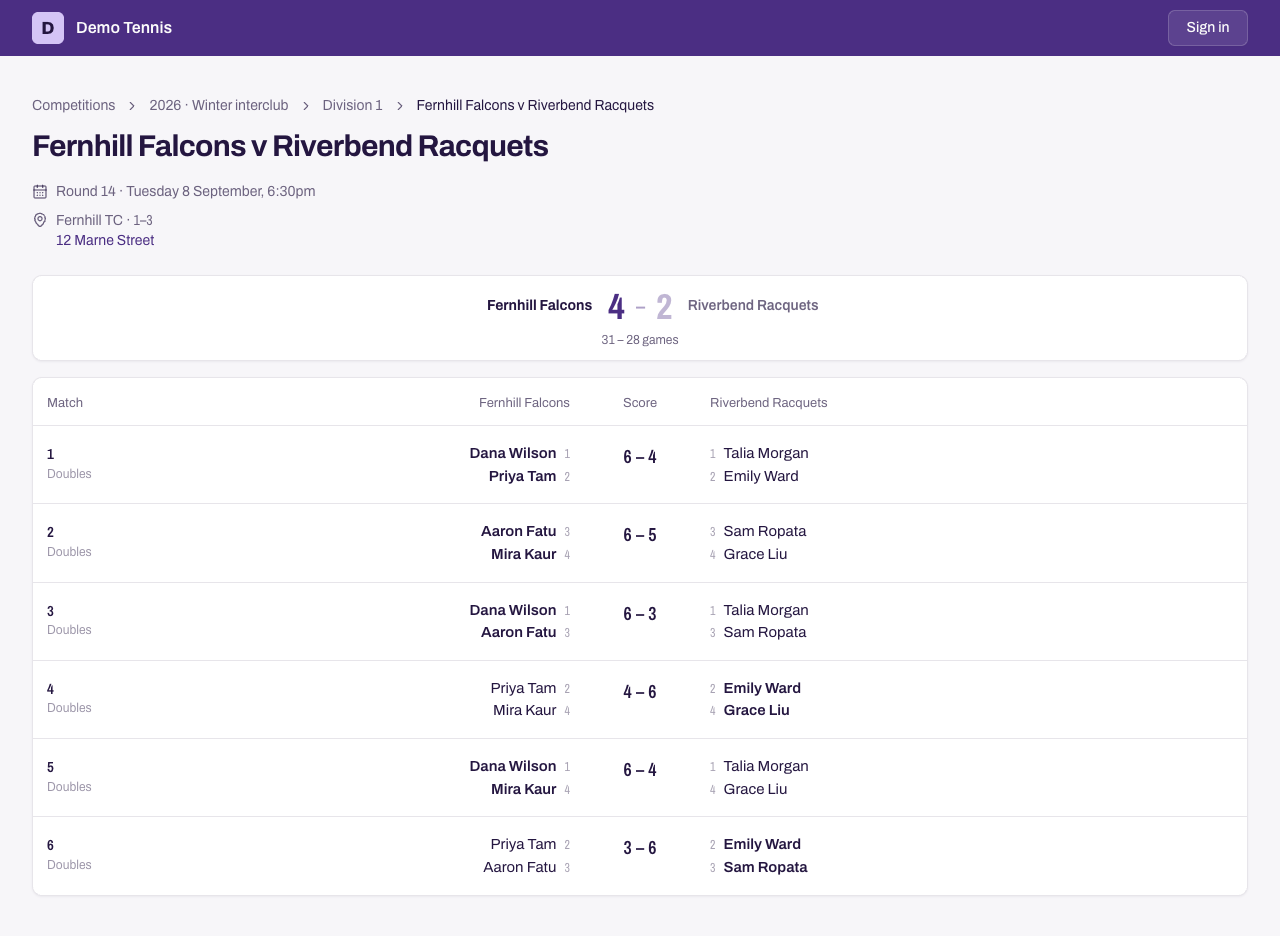
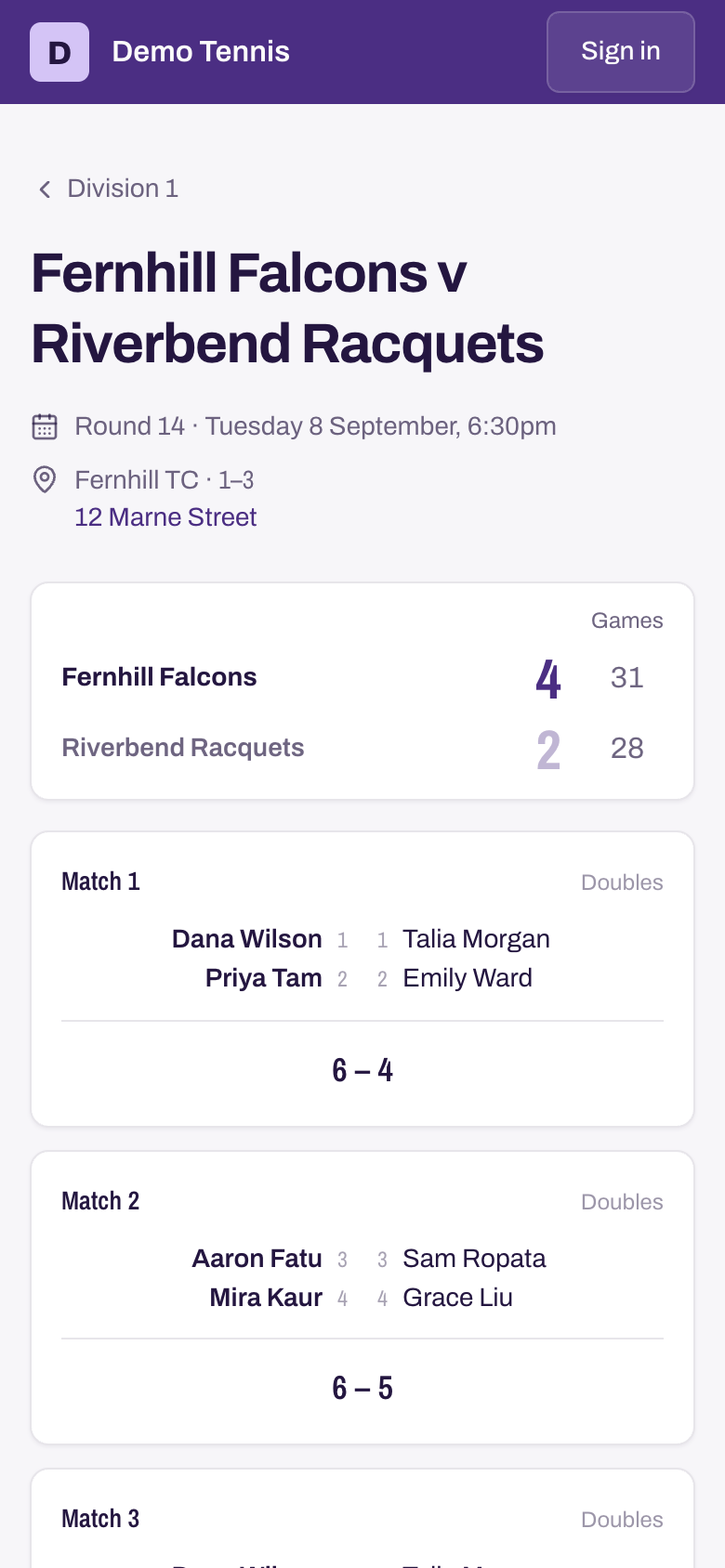
- Check each match. It shows the players of both teams and the score.
The small number beside each name is the player's position in the team order. Position 1 is the strongest player.
Find the venue
- Select a fixture in Round draw.
- Check its venue, courts and address.
- Select the address to open it in Maps. If the venue has no address, no address is shown.
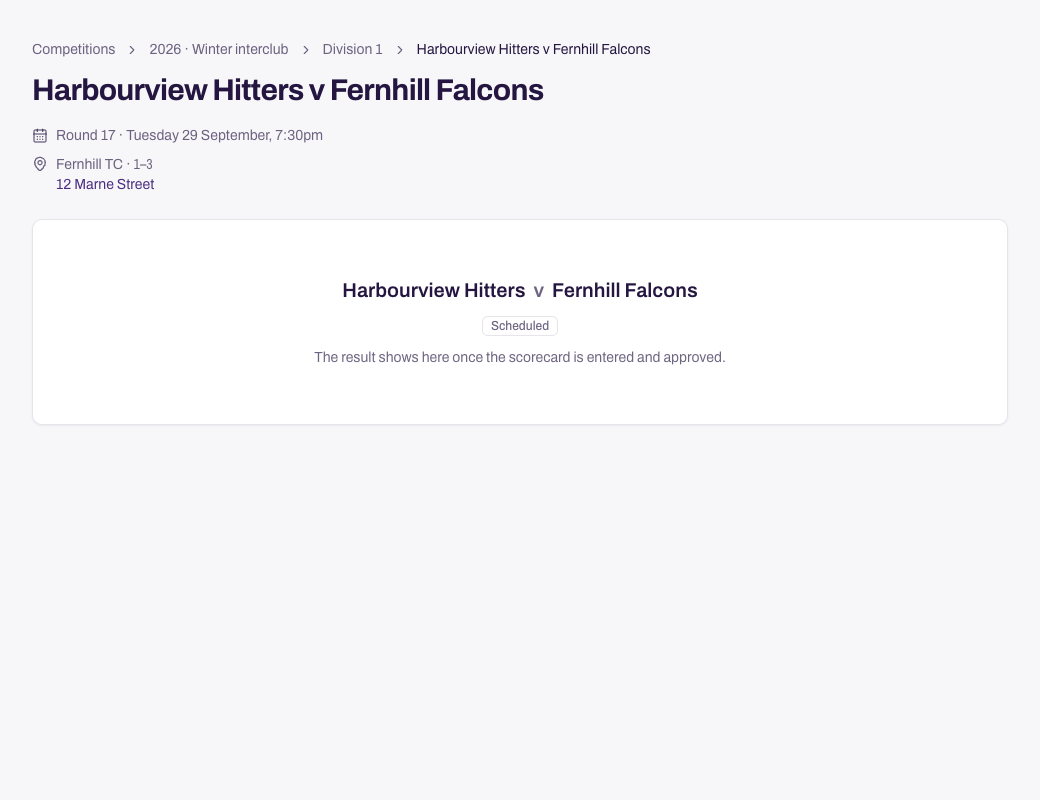
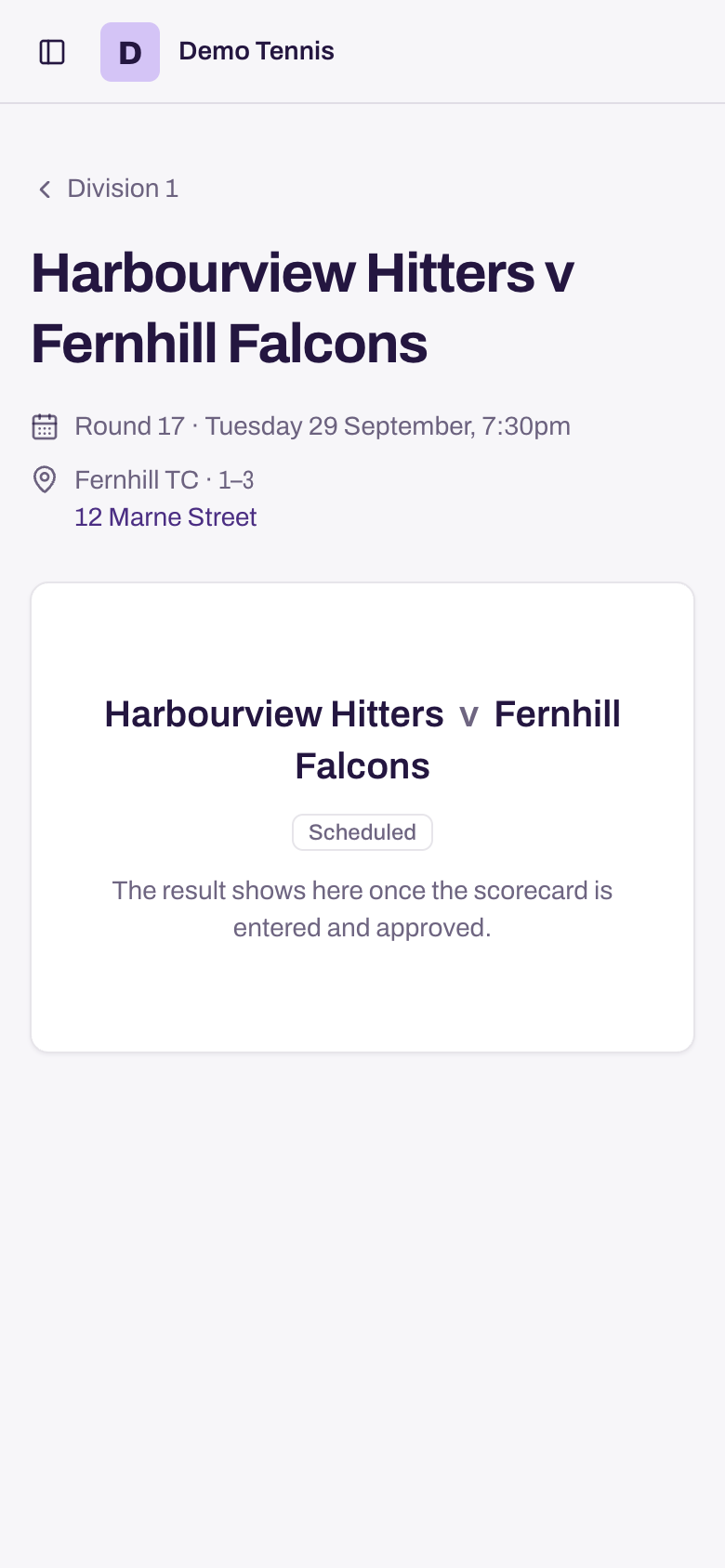
Check the draw again before you play. The date, venue or courts may change after you save or print a copy.
Read the ladder
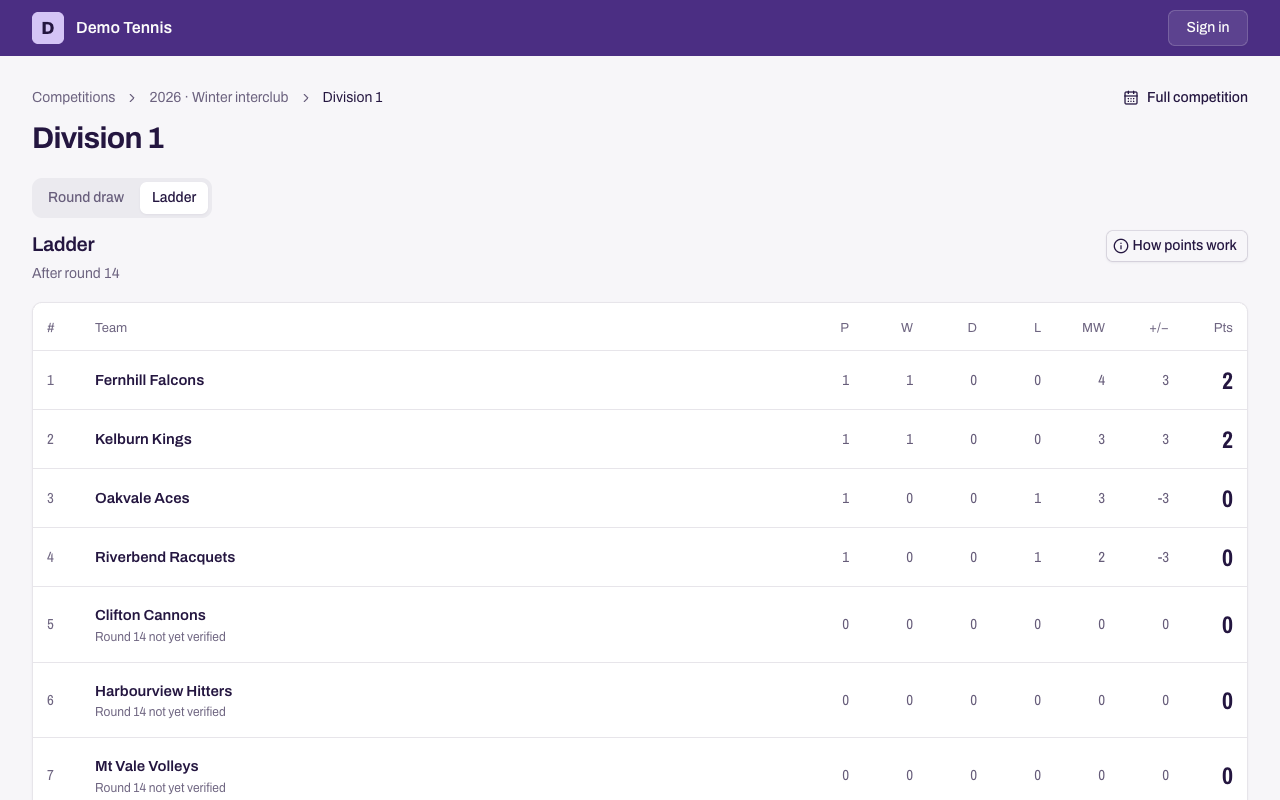
Select Ladder. Select How points work to see how the division gives points.
Print or save the draw
- Select Full competition.
- To keep only one team's fixtures, type its name in Filter by team and choose it.
- Select Print or download, then Download PDF or Print.
Need more help? Email hello@matchhub.nz